
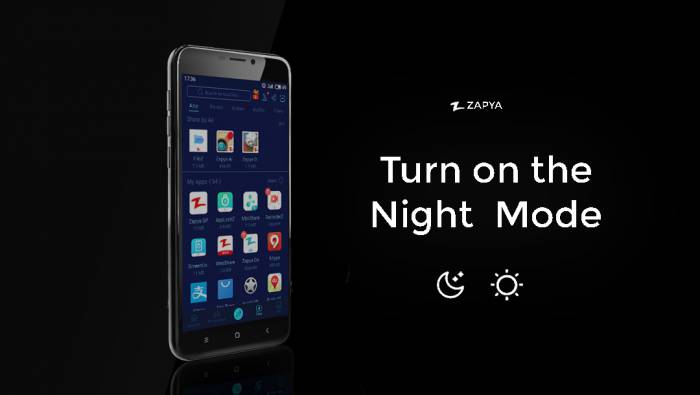
As many of you guys asked to include Night Mode Feature to Zapya, we released a new version for you. Now you can enjoy Zapya application even if it’s dark. Just go to “Me” and press the button on the right corner on the top.
[maxbutton id=”6″ url=”https://play.google.com/store/apps/details?id=com.dewmobile.kuaiya.play”]
How to Turn on Night Mode
You may also like
-
ทีมงาน Zapya ร่วมแสดงความยินดีกับชัยชนะประวัติศาสตร์ในการแข่งขันแชมป์เอเชียของทีมชาติไทย!
-
The Zapya Team Celebrates Thailand’s Historic Asian Championship Victory!
-
Happy International Father’s Day from the Zapya Team!
-
🚀 ١٠ أسباب تجعلك تُحب زابيا (أكثر من مجرد مشاركة الملفات!)
-
🚀 Zapya से प्यार करने के 10 कारण (सिर्फ फाइल शेयरिंग से कहीं ज़्यादा!)